


Payload Website Starter
PayloadCMS + MongoDB website with modern frontend and complete content management.

Payload CMS with MongoDB
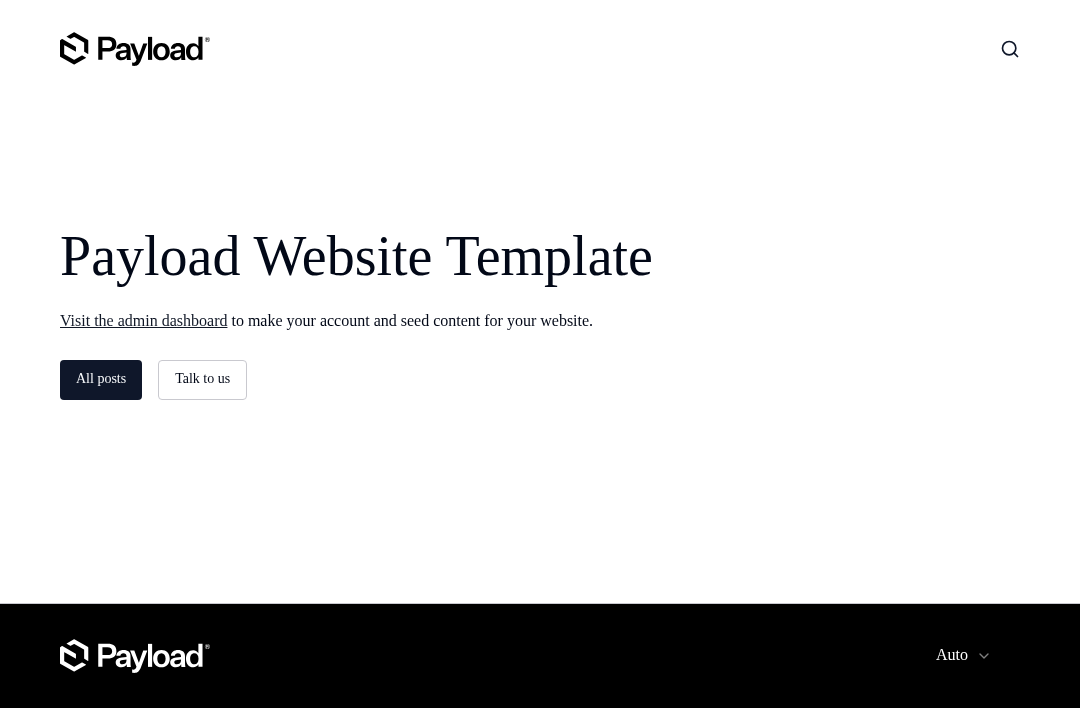
This is a PayloadCMS with MongoDB Website Template designed to power websites, blogs, or portfolios ranging from small projects to enterprise-level applications. This repository includes a fully functional backend, an enterprise-grade admin panel, and a beautifully designed, production-ready website.
This template is right for you if you are working on:
- A personal or enterprise-grade website, blog, or portfolio
- A content publishing platform with a fully featured publication workflow
- Exploring the capabilities of Payload
Core features:
- Pre-configured Payload Config
- Authentication
- Access Control
- Layout Builder
- Draft Preview
- Live Preview
- On-demand Revalidation
- SEO
- Form
- Search
- Redirects
- Website
Local Development
- Create a
.envfile and configure the variables:
# Database connection string
DATABASE_URI=YOUR_MONGODB_URL_HERE
# Used to encrypt JWT tokens. This should be a long, unguessable, strong password. You can use a password manager to generate one.
PAYLOAD_SECRET=YOUR_PAYLOAD_SECRET_HERE
# Used to configure CORS, format links, and more. No trailing slash.
NEXT_PUBLIC_SERVER_URL=http://localhost:3000
# S3 Storage Configuratio, Storage of uploaded files
S3_BUCKET=xxx
S3_REGION=xxx
S3_ACCESS_KEY_ID=xxx
S3_SECRET_ACCESS_KEY=xxx
S3_ENDPOINT=xxx
pnpm install && pnpm devto install dependencies and start the dev server- open
http://localhost:3000to open the app in your browser
How it works
The Payload config is tailored specifically to the needs of most websites. It is pre-configured in the following ways:
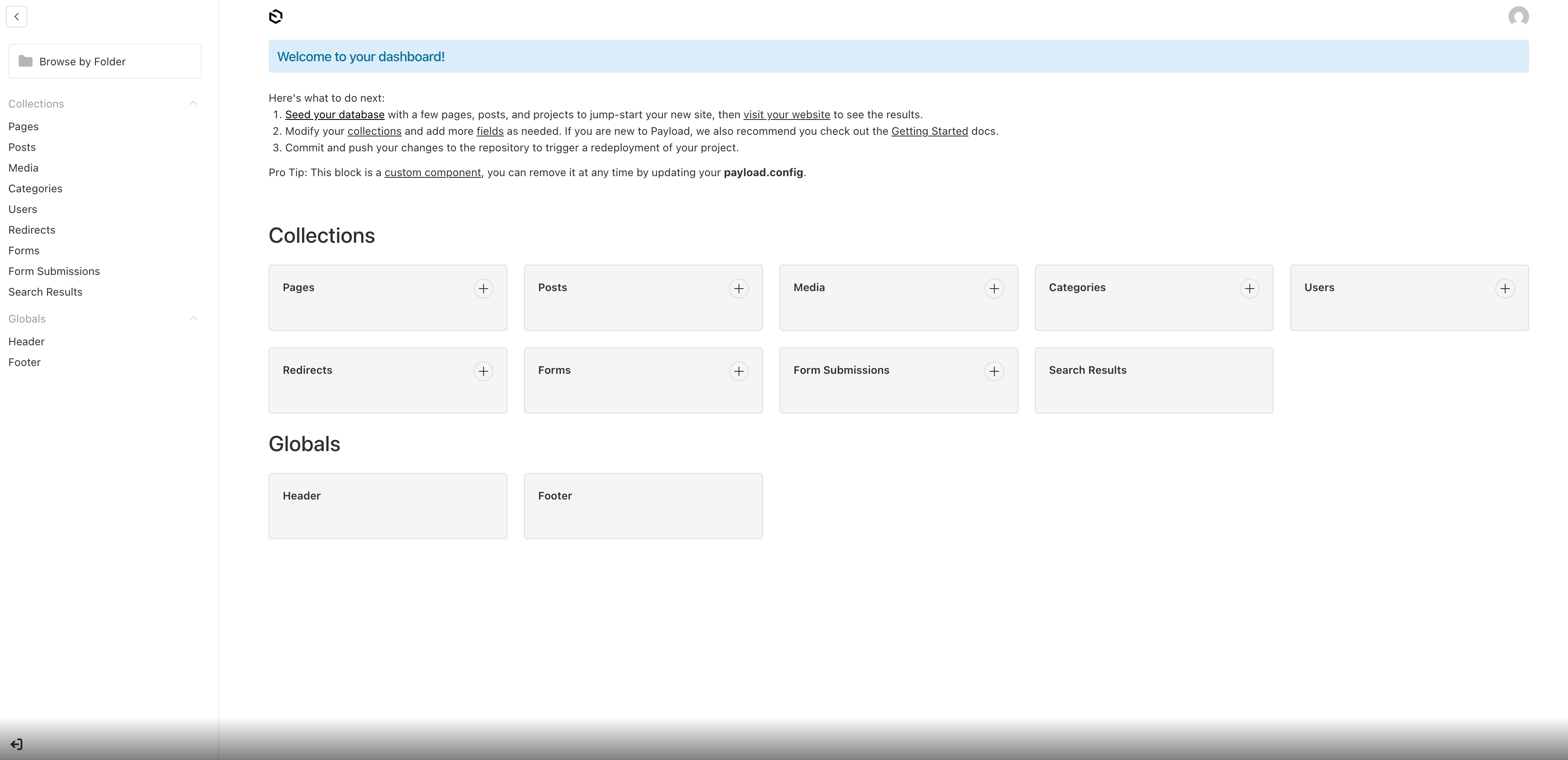
Collections
See the Collections docs for details on how to extend this functionality.
-
Users (Authentication)
Users are auth-enabled collections that have access to the admin panel and unpublished content. See Access Control for more details.
For additional help, see the official Auth Example or the Authentication docs.
-
Posts
Posts are used to generate blog posts, news articles, or any other type of content that is published over time. All posts are layout builder enabled so you can generate unique layouts for each post using layout-building blocks, see Layout Builder(#layout-builder) for more details. Posts are also draft-enabled so you can preview them before publishing them to your website.
-
Pages
All pages are layout builder enabled so you can generate unique layouts for each page using layout-building blocks. Pages are also draft-enabled so you can preview them before publishing them to your website.
-
Media
This is the uploads enabled collection used by pages, posts, and projects to contain media like images, videos, downloads, and other assets. It features pre-configured sizes, focal point and manual resizing to help you manage your pictures.
-
Categories
A taxonomy used to group posts together. Categories can be nested inside of one another, for example "News > Technology". See the official Payload Nested Docs Plugin for more details.
-
Forms & Form Submissions
This template also pre-configured with the official Form Builder Plugin. This plugin allows you to build and manage custom forms directly within the Admin Panel, all form submissions are stored directly in your database and are managed directly from the Admin Panel.
-
Redirects
If you are migrating an existing site or moving content to a new URL, you can use the
redirectscollection to create a proper redirect from old URLs to new ones. This will ensure that proper request status codes are returned to search engines and that your users are not left with a broken link. This template comes pre-configured with the official Payload Redirects Plugin for complete redirect control from the admin panel. -
Search
This template also pre-configured with the official Payload Search Plugin to showcase how SSR search features can easily be implemented into Next.js with Payload.
Globals
See the Globals docs for details on how to extend this functionality.
-
HeaderThe data required by the header on your front-end like nav links.
-
FooterSame as above but for the footer of your site.
Access control
Basic access control is setup to limit access to various content based based on publishing status.
users: Users can access the admin panel and create or edit content.posts: Everyone can access published posts, but only users can create, update, or delete them.pages: Everyone can access published pages, but only users can create, update, or delete them.
For more details on how to extend this functionality, see the Payload Access Control docs.
On-demand Revalidation
This template includes hooks for collections and globals that revalidate frontend pages on content change — deployed on EdgeOne Pages, the CDN cache is automatically purged so visitors see updates within seconds.
Each collection hook calls revalidatePath() to purge the specific URL from the CDN edge:
// src/collections/Posts/hooks/revalidatePost.ts
import { revalidatePath, revalidateTag } from 'next/cache'

export const revalidatePost: CollectionAfterChangeHook<Post> = ({
  doc,
  req: { payload },
}) => {
  if (doc._status === 'published') {
    const path = `/posts/${doc.slug}`
    payload.logger.info(`Revalidating post at path: ${path}`)
    revalidatePath(path)
    revalidateTag('posts-sitemap')
  }
  return doc
}
See Payload Docs for more details.