


Back to Templates
Paddle Subscription Starter
Paddle subscription starter with Next.js, Supabase auth, and billing management.

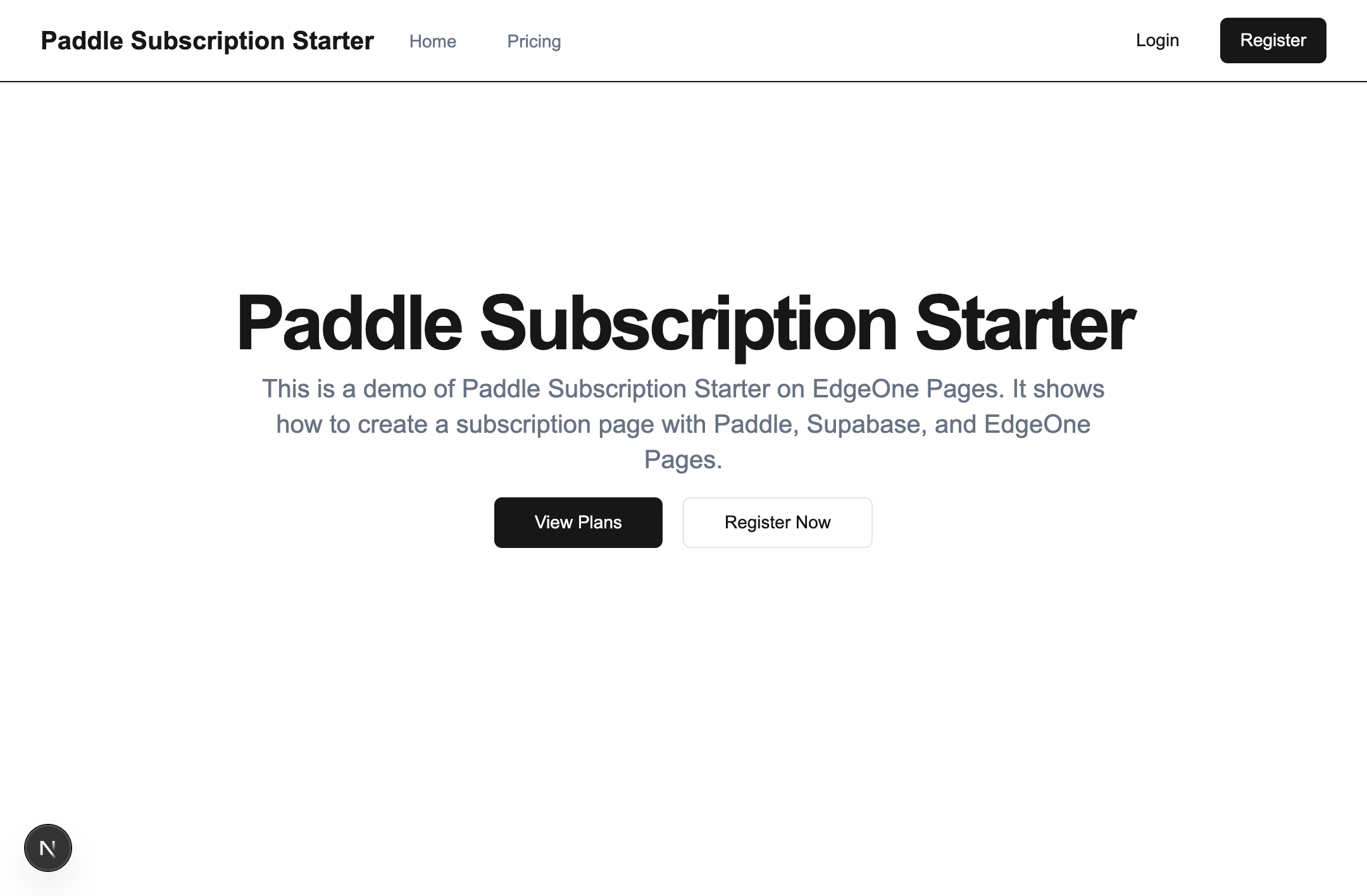
Paddle Subscription Demo
This is a demo application showcasing login, registration, and subscription features, using EdgeOne Pages and Supabase authentication.
Features
- User authentication via Supabase (login/registration)
- Email verification flow
- Subscription plans with different pricing tiers
- Subscription management
- Protected dashboard for subscribed users
Tech Stack
- Framework: Next.js (full-stack development)
- Debug/Deploy Tool: EdgeOne CLI
- Components: Custom components using shadcn/ui
- Styling: Tailwind CSS
- Backend: EdgeOne Node Functions for APIs
- Authentication: Supabase Authentication
- Database: Supabase (PostgreSQL)
Getting Started
Prerequisites
- Node.js 18+ and npm
- Supabase account and project
Supabase Setup
- Create a new Supabase project at https://supabase.com
- In your Supabase dashboard, go to Authentication > Settings and:
- Configure the email authentication provider
- Enable "Confirm Email" if needed
- Get your Supabase URL and API keys from Project Settings > API
Paddle Setup
Paddle Setup
- Create a new Paddle account at https://paddle.com
- In your Paddle dashboard, find your product and create a new product
- Get your Paddle API keys
Paddle Product Setup
- In your Paddle dashboard, find your product and click "Edit"
- In the "Prices" tab, set your product prices and subscription plans
- In the "Webhook" tab, set your webhook URL to
https://yourdomain.com/api/paddle/webhook
Installation
- Clone the repository:
git clone https://github.com/yourusername/paddle-subscription-demo.git
cd paddle-subscription-demo
- Install dependencies:
npm install
Development
Environment Variables
# Supabase configuration
SUPABASE_URL=https://xxxxxx.supabase.co
SUPABASE_ANON_KEY=xxxxxxxx
SUPABASE_SERVICE_ROLE_KEY=xxxxxxxxxx

# Paddle configuration
NEXT_PUBLIC_PADDLE_ENVIRONMENT=sandbox
PADDLE_API_KEY=pdl_sdbx_apikey_xxxxxx
NEXT_PUBLIC_PADDLE_CLIENT_TOKEN=test_xxxxxxx
PADDLE_WEBHOOK_SECRET=pdl_ntfset_xxxxxxxxx
How to obtain:
| Variable | Purpose | How to Obtain |
|---|---|---|
| SUPABASE_URL | Supabase request URL | Get from Supabase Dashboard > Project Settings > Data API tab |
| SUPABASE_ANON_KEY | Public key for making Supabase requests | Get from Supabase Dashboard > Project Settings > Data API tab |
| SUPABASE_SERVICE_ROLE_KEY | Secret key for making non-public Supabase requests | Get from Supabase Dashboard > Project Settings > Data API tab |
| NEXT_PUBLIC_PADDLE_ENVIRONMENT | Paddle project environment | 'production' or 'sandbox' |
| PADDLE_API_KEY | API Key for functions to interact with Paddle | Create at Paddle > Developer tools > Authentication |
| NEXT_PUBLIC_PADDLE_CLIENT_TOKEN | Key for client-side use, for frontend to interact with Paddle | Create at Paddle > Developer tools > Authentication |
| PADDLE_WEBHOOK_SECRET | Secret key for webhook to verify request source and ensure security | Create at Paddle > Developer tools > Notifications |
Local Development
- For local development and debugging of Next.js + Node Functions full-stack project, if you haven't installed EdgeOne CLI, install it first
edgeone pages dev
- Open http://localhost:8088 in your browser to view the application.
Project Structure
/src- Next.js frontend code/app- Next.js app directory/components- React components/lib- Utility functions
/node-functions- EdgeOne Node Functions for backend APIs/auth- Authentication APIs integrated with Supabase/subscription- Subscription APIs (subscribe, status, cancel)/lib- Shared utilities for EdgeOne Node Functions
Database Design
In a production environment, you would extend the Supabase database to include:
subscriptionstable - stores subscription informationplanstable - stores plan details
License
This project is licensed under the MIT License - see the LICENSE file for details.