


Nextra Docs Template
Nextra documentation starter for beautiful, MDX-powered docs with Next.js.
| Framework | Next.js |
| Use Case | Documentation |

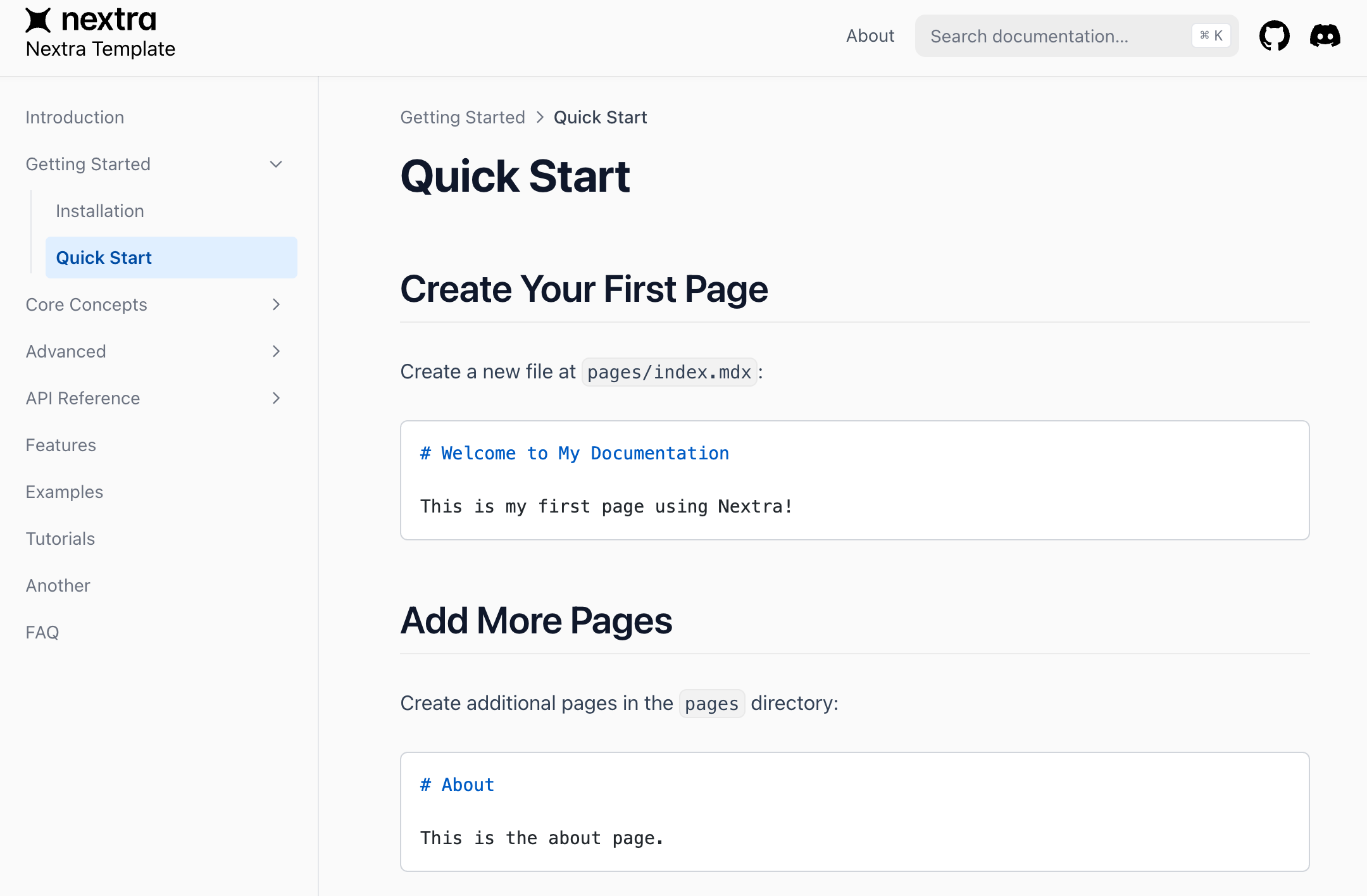
Nextra Documentation Template
This is a template for creating documentation using Nextra. Nextra is a simple, powerful, and flexible site generation framework integrated with all the excellent features of Next.js.
You can use this as a starting template for your own project.
Installation
npm i
Local Development
Starting the Project
npm dev
This command starts a local development server and opens a browser window. Then visit localhost:3000.
Creating New Documentation Pages
In the Nextra framework, creating new documentation pages is very intuitive. Simply create a new .mdx file in the /pages directory, and the system will automatically add it to the document structure. The navigation menu will automatically generate corresponding paths and links based on the filename.
Examples:
- Creating
/pages/getting-started.mdxwill generate a "Getting Started" entry in the navigation - Creating
/pages/advanced/configuration.mdxwill generate a "Configuration" entry under the "Advanced" category
Customizing Navigation and Structure
If you need fine-grained control over the navigation structure, you can customize it by editing the /pages/_meta.js file:
- Reorder navigation items
- Customize display names (not restricted by filenames)
- Set navigation hierarchy and grouping
- Hide specific pages
- Add external links
The _meta.js file gives you complete control over how your documentation is presented, ensuring users get the best navigation experience.
Best Practices
- Use clear, descriptive filenames to ensure a reasonable navigation structure even without configuring
_meta.js - Create consistent directory structures for common content patterns
- When dealing with large documentation, carefully design the navigation structure through
_meta.js
This flexible page creation mechanism makes Nextra an ideal choice for building structured documentation websites.
Building
npm run build