


EdgeOne Pages MySQL Template
Next.js full-stack app with MySQL database connection — deploy without managing servers.
| Framework | Next.js |
| Use Case | Cloud Functions |
| Database | MySQL |

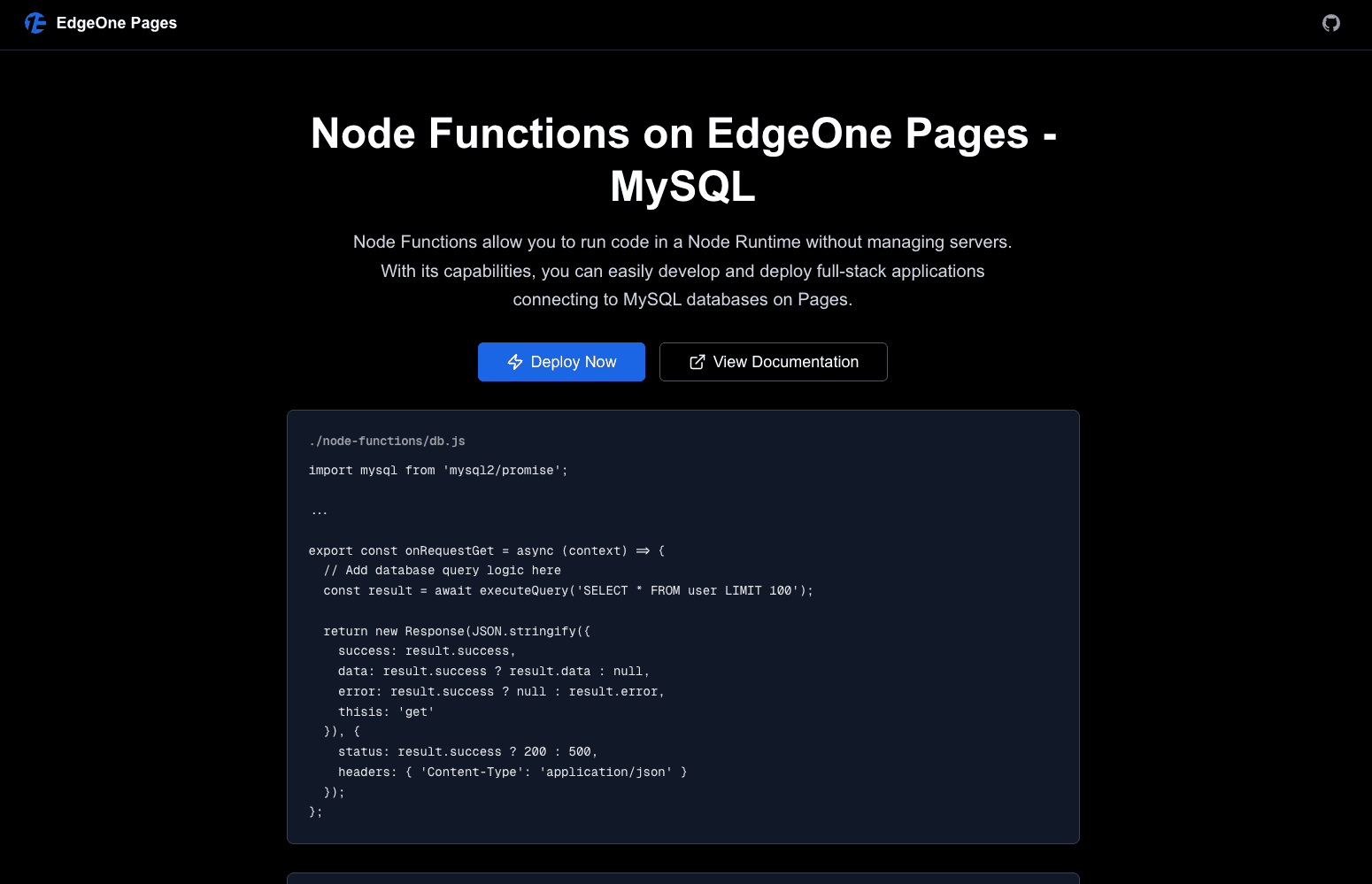
EdgeOne Pages MySQL Template
A full-stack application template based on EdgeOne Pages and Next.js, supporting MySQL database connections, allowing you to deploy production-level applications without managing servers.
✨ Features
- 🚀 Serverless Architecture - Based on EdgeOne Pages Node Functions, no server management required
- 🗄️ MySQL Integration - Built-in database connection pool and query executor
- ⚡ Modern Frontend - Next.js 15 + React 19 + TypeScript
- 🎨 Beautiful UI - Tailwind CSS 4 + Responsive Design
- 🔧 Out-of-the-Box - Preconfigured development environment and build process
- 📱 Mobile-First - Fully responsive design, supporting all devices
🛠️ Tech Stack
Frontend
- Next.js 15.4.6 - React full-stack framework
- React 19.1.0 - User interface library
- TypeScript 5 - Type-safe JavaScript
- Tailwind CSS 4 - Utility-first CSS framework
Backend
- EdgeOne Pages - Edge computing platform
- Node Functions - Serverless function runtime
- MySQL2 - MySQL database driver
Development Tools
- ESLint - Code quality checker
- PostCSS - CSS postprocessor
- Turbopack - Fast build tool
🚀 Quick Start
Environment Requirements
- Node.js 18.0 or higher
- MySQL 5.7 or higher
- EdgeOne Pages account
Install Dependencies
# Clone the project
git clone <your-repo-url>
cd mysql-template

# Install dependencies
npm install
Environment Configuration
Create a .env.local file and configure the database connection:
# Database configuration
DB_HOST=your-mysql-host
DB_PORT=3306
DB_USER=your-username
DB_PASSWORD=your-password
DB_NAME=your-database-name
Local Development
# Start the development server
edgeone pages dev

# Access http://localhost:8088
Build and Deployment
# Build the production version
edgeone pages build
📚 API Documentation
Database Query API
Endpoint: /db
Method: GET
Function: Executes MySQL query and returns the result
Response Format:
{
  "success": true,
  "data": [...],
  "error": null,
  "thisis": "get"
}
Example Request:
curl -X GET https://your-domain.com/db
Custom Query
Modify the SQL statement in the node-functions/db.js file:
// Modify the query logic
const result = await executeQuery('SELECT * FROM your_table LIMIT 100');
🗄️ Database Configuration
MySQL Connection Configuration
The project uses a connection pool to manage database connections, supporting the following configurations:
const dbConfig = {
  host: process.env.DB_HOST,
  port: process.env.DB_PORT || 3306,
  user: process.env.DB_USER,
  password: process.env.DB_PASSWORD,
  database: process.env.DB_NAME,
  charset: 'utf8mb4',
  timezone: '+08:00',
  connectionLimit: 10,
  acquireTimeout: 60000,
  timeout: 60000,
  reconnect: true
};
Database Table Structure
Ensure your MySQL database has the corresponding table structure. Example:
🏗️ Project Structure
mysql-template/
├── src/                    # Source code directory
│   ├── app/               # Next.js App Router
│   │   ├── layout.tsx     # Root layout component
│   │   ├── page.tsx       # Home page component
│   │   └── globals.css    # Global styles
│   ├── components/        # React components
│   │   └── ui/           # UI component library
│   └── lib/              # Utility functions
├── node-functions/        # EdgeOne Pages functions
│   └── db.js            # Database operation function
├── public/               # Static resources
├── package.json          # Project configuration
├── next.config.ts        # Next.js configuration
├── tailwind.config.js    # Tailwind CSS configuration
└── tsconfig.json         # TypeScript configuration
🔧 Development Guide
Adding a New API Endpoint
Create a new .js file in the node-functions/ directory:
export const onRequestGet = async (context) => {
  // Handle GET request
  return new Response(JSON.stringify({ message: "Hello World" }), {
    headers: { 'Content-Type': 'application/json' }
  });
};

export const onRequestPost = async (context) => {
  // Handle POST request
  const body = await context.request.json();
  return new Response(JSON.stringify({ received: body }), {
    headers: { 'Content-Type': 'application/json' }
  });
};
Customizing Styles
The project uses Tailwind CSS 4, and you can add custom styles in src/app/globals.css:
@tailwind base;
@tailwind components;
@tailwind utilities;

@layer components {
  .custom-button {
    @apply bg-blue-500 hover:bg-blue-700 text-white font-bold py-2 px-4 rounded;
  }
}
🐛 Troubleshooting
Common Issues
Database Connection Failure
- Check environment variable configurations
- Confirm MySQL service status
- Verify network connection and firewall settings
Build Error
- Clean up
node_modulesand.nextdirectories - Reinstall dependencies:
npm install - Check TypeScript type errors
API Call Failure
- Check EdgeOne Pages function deployment status
- View function log output
- Confirm database table structure
📄 License
This project uses the MIT License - see the LICENSE file for details.