


Back to Templates
hugo-starter
Minimal Hugo boilerplate with the Ananke theme for ultra-fast static sites.

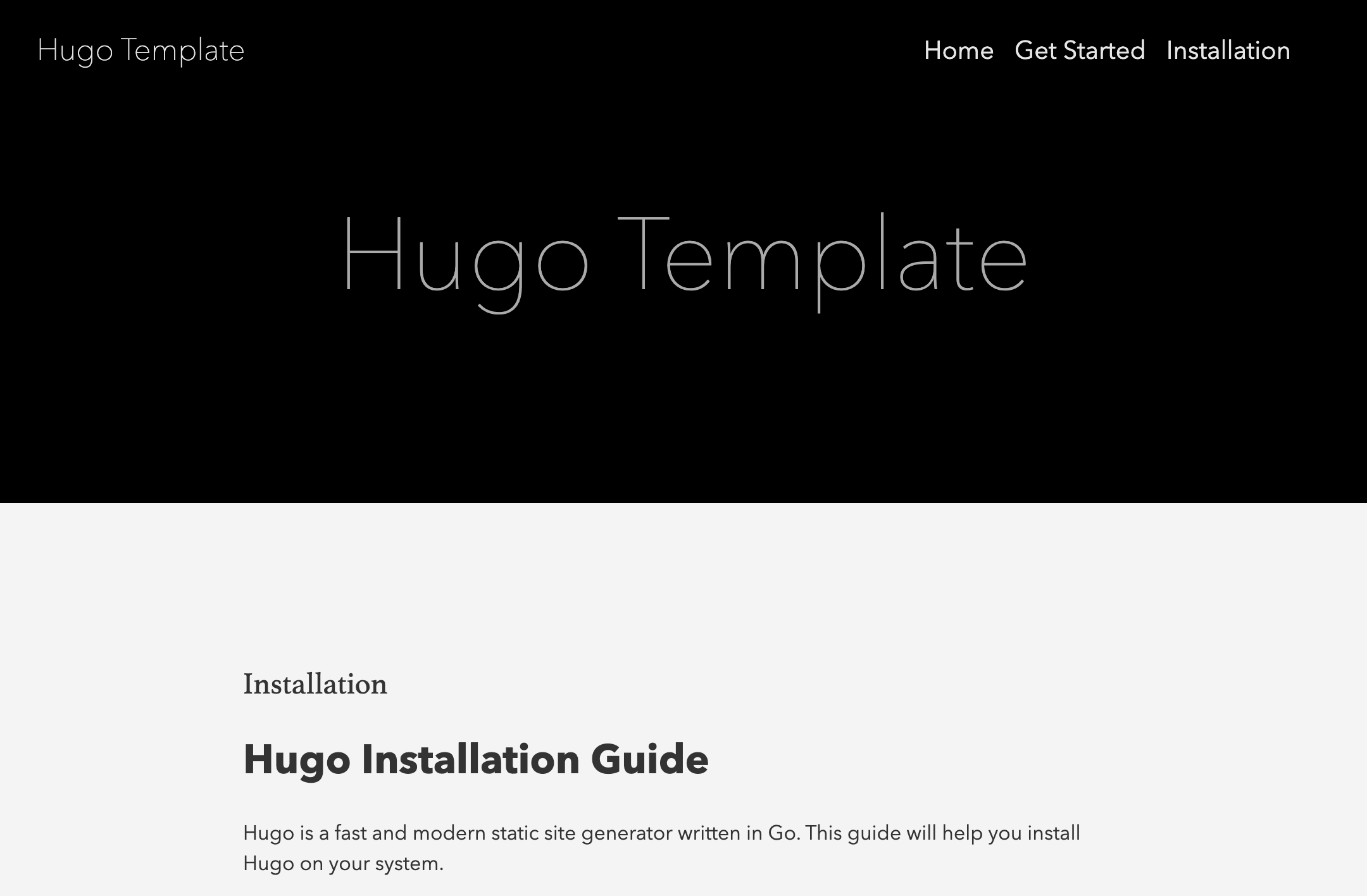
Hugo Start Template
A starter template for Hugo static site generator with the Ananke theme.
Features
- Clean and modern design using the Ananke theme
- Responsive layout
- Category and tag support
- Easy customization
- NPM-based workflow
Prerequisites
Before you begin, ensure you have the following installed:
Quick Start
-
Clone the repository
git clone <your-repo-url> cd hugo-start git submodule update --init -
Install dependencies
npm install -
Start the development server
npm run dev -
View your site Open your browser and visit http://localhost:1313
Project Structure
hugo-start/
├── archetypes/        # Content templates
├── assets/           # Unprocessed assets (SCSS, JS, etc.)
├── content/          # Site content
│   └── get-start/    # Getting started guide
├── data/            # Configuration files
├── layouts/         # Template files
├── static/          # Static files
├── themes/          # Theme files (Ananke)
├── hugo.toml        # Site configuration
├── edgeone.json     # deployment configuration
└── package.json     # NPM configuration
Available Scripts
npm run dev- Start development servernpm run build- Build production sitenpm run preview- Preview production build locallynpm run clean- Clean build directory
Content Management
- Build static files:
npm run build
Customization
-
Site Configuration
- Edit
hugo.tomlto modify site-wide settings
- Edit
-
Theme Customization
- Override theme templates in
/layouts - Modify styles in
/assets
- Override theme templates in
-
Content Organization
- Organize content in
/content - Create sections and categories
- Organize content in
Deployment
-
Build the site
npm run build -
Deploy the
/publicdirectory- Upload to your web server
- Deploy to EdgeOne Pages
- Use a static site hosting service
Contributing
- Fork the repository
- Create your feature branch
- Commit your changes
- Push to the branch
- Create a new Pull Request
Support
For support, please:
- Check the Hugo documentation
- Open an issue in this repository
- Join the Hugo community