


Astro Hybrid Rendering Template
Astro hybrid rendering with island architecture for content-driven sites.

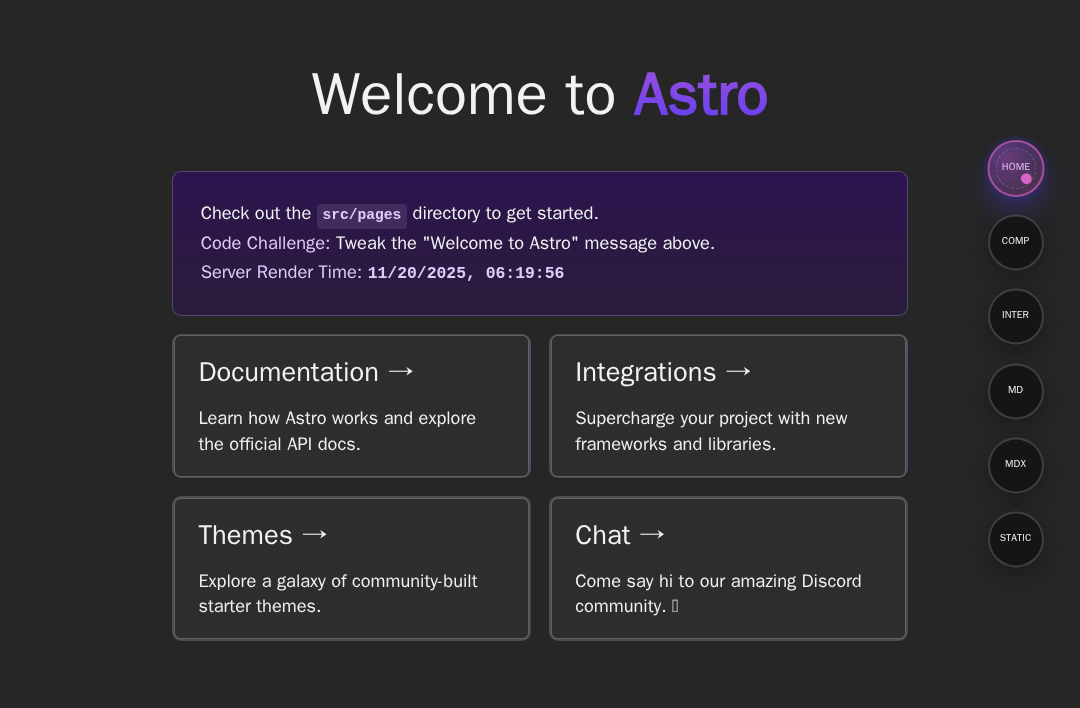
Astro Template
This is an Astro project demonstrating various Astro features and capabilities. This template showcases server-side rendering, API routes, content collections, framework integrations, and more.
📚 Features Demonstrated
This project includes several example pages that demonstrate different Astro capabilities:
Pages
/- Homepage with basic Astro components and layout/components- Multi-framework integration example using React, Vue, and Svelte components/inter- Interactive page with API routes and server-side data fetching/md- Markdown content example using Astro's content collections/mdx- MDX content example combining Markdown with JSX components/static- Static page generation example with prerendering
Key Features
- ✨ Multi-framework support - React, Vue, and Svelte integrations
- 🔄 Server-side rendering - Using EdgeOne Pages adapter
- 📝 Content collections - Markdown and MDX content management
- 🛣️ API routes - Server endpoints for data fetching
- 🎨 Component islands - Client-side interactivity with
client:*directives - 📦 Content collections - Type-safe content management
🧞 Commands
All commands are run from the root of the project, from a terminal:
| Command | Action |
|---|---|
npm install | Installs dependencies |
npm run dev | Starts local dev server at localhost:4321 |
npm run build | Build your production site to ./dist/ |
npm run preview | Preview your build locally, before deploying |
Astro looks for .astro or .md files in the src/pages/ directory. Each page is exposed as a route based on its file name.
There's nothing special about src/components/, but that's where we like to put any Astro/React/Vue/Svelte/Preact components.
Any static assets, like images, can be placed in the public/ directory.
🛠️ Technologies Used
- Astro - The web framework for content-driven websites
- React - UI library
- Vue - Progressive JavaScript framework
- Svelte - Component framework
- MDX - Markdown with JSX
- TypeScript - Typed JavaScript
- EdgeOne Pages - Deployment platform