


Vibe Coding Agent[Platform]
Deeply integrated with the platform's Skills capabilities, this template is suitable for quickly generating full-stack web apps—including SSR, ISR, and dynamic interfaces—as well as AI agents based on natural language.

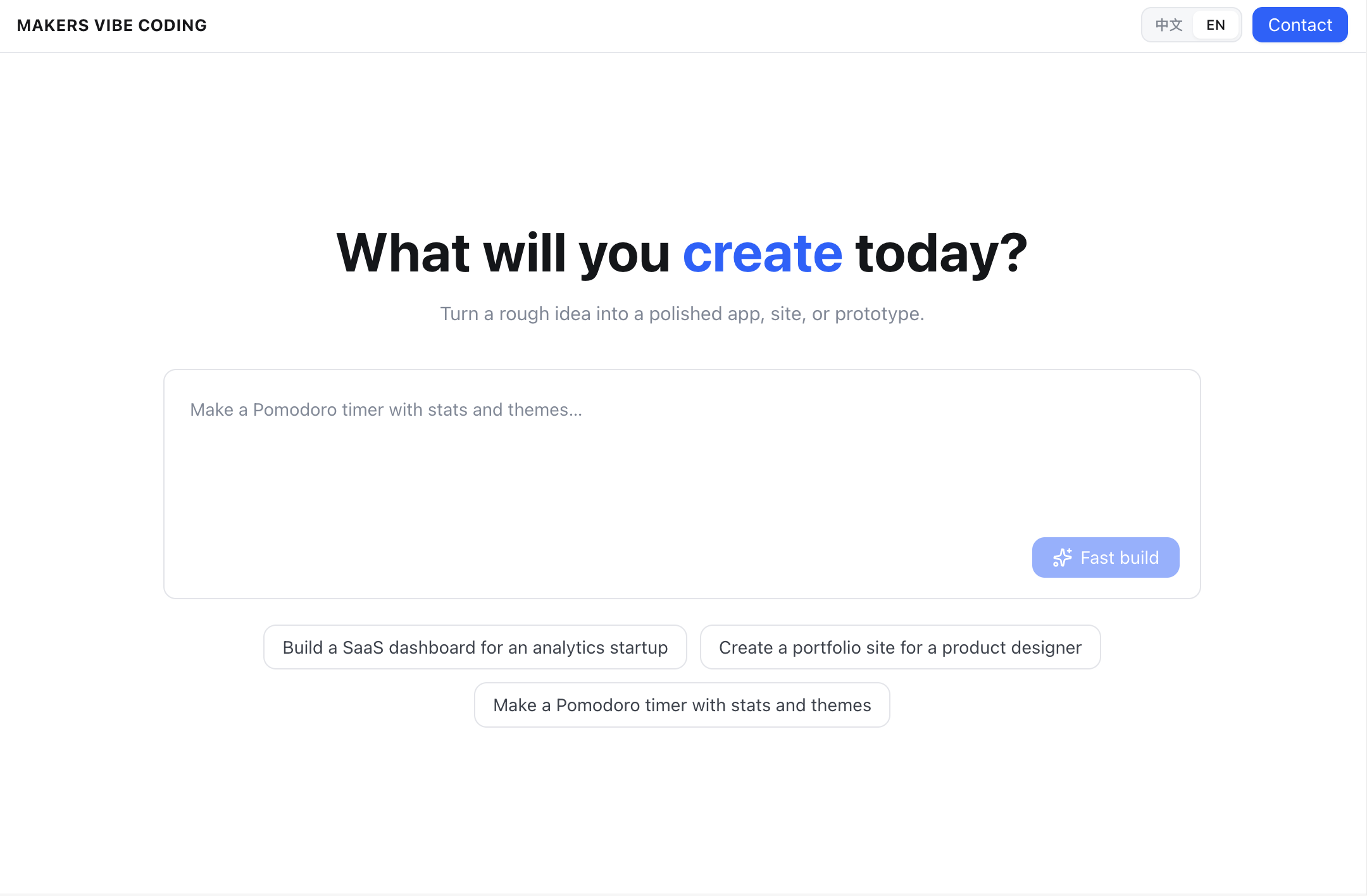
Vibe Coding Platform
Vibe Coding Platform deeply integrates platform Skills. Use it to generate full-stack web apps and AI Agents from natural language — including SSR, ISR, and dynamic APIs. Developers can build a Vibe Coding platform with multi-tenant isolation, multi-framework adaptation, and one-click edge deploy.
Quick start
-
Create an API Token.
-
Start from the example template below.

-
On the deploy configuration page, set the
API_TOKENenvironment variable. -
Click deploy and wait for Makers to finish the build and return a URL.
Core capabilities
Makers Skills
-
The template vendors Makers Skills under
.claude/skills/, so the agent has framework conventions, platform APIs, directory rules, and deploy requirements. -
The agent loads the Skill that matches the task. Generated projects go through a Makers compatibility check first: adapters in place, platform manifest complete, directory layout valid. On failure it attempts one automatic repair pass.
-
Run
npm run sync:skillsto refresh Skills from the platform. This replaces.claude/skills/.
Live preview
Preview starts inside the sandbox through the EdgeOne CLI.
export function buildMakersDevLaunchCommand(port: number, projectName: string) {
  return `edgeone makers dev --port ${port} --skip-env-sync --name ${shellQuote(projectName)}`;
}
Workspace persistence
Save the workspace
Call persist() after each round of code changes:
try {
  const persist = await context.sandbox.persist({path: projectPath});//path is the project directory
} catch (error) {
  // A failed save does not stop the current sandbox. Log it and retry later.
  console.warn('Failed to save workspace:', error);
}
Restore the workspace
After a new sandbox is created, call restore() before the agent reads or writes project files:
const result = await context.sandbox.restore({path: projectPath});
Note: If restore() returns failed, do not call persist() in that turn. Doing so can overwrite the last good snapshot with an incomplete workspace.
Local debug and deploy
Start local development
-
From the project root, install the EdgeOne CLI:
npm install -g edgeone -
Sign in and link the Makers project you deployed from this template:
edgeone login
edgeone makers link
Linking syncs the console
API_TOKENand the Models API key to your local environment. -
Start the Makers local development environment:
edgeone makers devAfter it starts, open:
-
Agent app: http://localhost:8088/
-
Observability traces: http://localhost:8088/agent-metrics
Deploy the project
If the project is connected to a Git repository, pushing code triggers a Makers CI build and deploy. You can also deploy with the CLI:
# Deploy to production
edgeone makers deploy -n <project-name>
After a successful deploy, use the Console link to open the build details and the live URL.