


Email Assistant Agent
An AI email assistant that triages incoming messages, prioritizes replies, drafts responses with CrewAI, and pauses for human review with LangGraph.

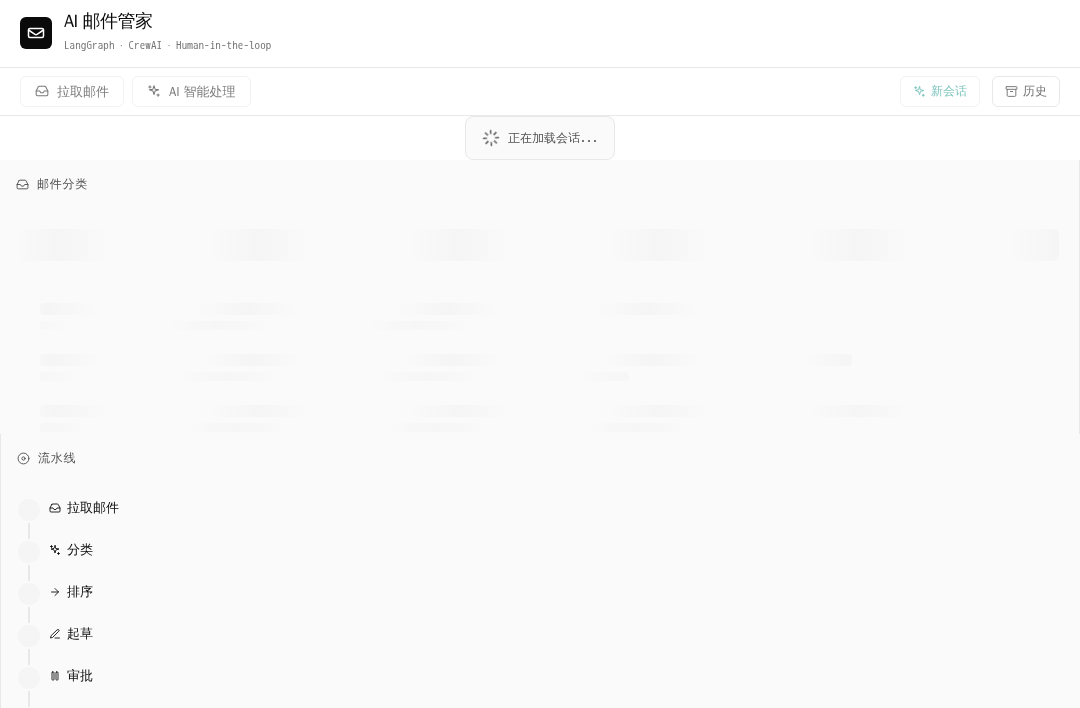
AI Email Assistant
A multi-agent email triage and reply-drafting assistant built with LangGraph + CrewAI on EdgeOne Makers — classifies your inbox, drafts replies with a three-role crew, and lets you approve before anything is sent.
Framework: LangGraph · Category: Orchestration · Language: Python

Overview
AI Email Assistant processes an inbox end-to-end: it fetches emails, classifies them with an LLM, prioritizes by user-defined rules, and drafts replies using a three-agent CrewAI crew (Analyst → Writer → Polisher). Every draft pauses at a human-in-the-loop checkpoint — you approve, edit, reject, or regenerate before the system takes action. The pipeline streams real-time progress to a React UI via SSE.
- Multi-agent drafting — a sequential CrewAI crew (triage analyst, reply writer, voice polisher) produces context-aware, tone-matched replies
- Human-in-the-loop approval — LangGraph
interrupt()pauses the pipeline at each draft; resume with approve / edit / reject / regenerate / skip - Real-time pipeline visualization — SSE streams node-level progress; the UI renders a live flow diagram + streaming narration
- Pluggable email source — ships with 10 realistic mock emails; switch to a live IMAP mailbox with one env var
Environment Variables
| Variable | Required | Description |
|---|---|---|
AI_GATEWAY_API_KEY | Yes | Model gateway API key. Use your Makers Models API Key, or any OpenAI-compatible provider key. |
AI_GATEWAY_BASE_URL | Yes | Gateway base URL. For Makers Models, use https://ai-gateway.edgeone.link/v1. |
AI_GATEWAY_MODEL | No | Model ID. Defaults to @makers/deepseek-v4-flash. |
EMAIL_PROVIDER | No | mock (default) or imap. Controls the email data source. |
IMAP_HOST | No | IMAP server hostname (e.g. imap.gmail.com). Required when EMAIL_PROVIDER=imap. |
IMAP_USER | No | IMAP login username / email address. |
IMAP_APP_PASSWORD | No | App-specific password (Gmail: create one here). |
This template follows the OpenAI-compatible standard — you can point these variables at Makers Models or any other compatible gateway / provider.
How to get AI_GATEWAY_API_KEY
- Open the Makers Console.
- Sign in and enable Makers.
- Go to Makers → Models → API Key and create a key.
- Copy it into
AI_GATEWAY_API_KEY(setAI_GATEWAY_BASE_URLtohttps://ai-gateway.edgeone.link/v1).
Built-in models (@makers/deepseek-v4-flash, @makers/hy3-preview, @makers/minimax-m2.7) are free and rate-limited — great for prototyping. For production, bind your own provider key (BYOK) in the console.
Local Development
Prerequisites: Node.js, npm, Python 3.11+
npm install
cp .env.example .env
# Fill in AI_GATEWAY_API_KEY and AI_GATEWAY_BASE_URL in .env
edgeone makers dev
Open http://localhost:8080/agent-metrics for the local observability panel.
Project Structure
email-assistant/
├── agents/email/                   # Backend: Python agent handlers
│   ├── run.py                      # /email/run — main SSE entry (fetch→classify→draft→review loop)
│   ├── review.py                   # /email/review — HITL resume (Command(resume=decision))
│   ├── history.py                  # /email/history — conversation list / get / delete
│   ├── stop.py                     # /email/stop — abort active run
│   ├── health.py                   # /email/health — liveness probe + provider info
│   ├── _graph.py                   # LangGraph StateGraph definition & compilation
│   ├── _state.py                   # EmailAssistantState TypedDict
│   ├── _nodes.py                   # 7 node functions (fetch, classify, prioritize, draft, review, apply, summarize)
│   ├── _routing.py                 # 3 conditional edge functions
│   ├── _crew.py                    # CrewAI crew adapter (builds kickoff inputs)
│   ├── _models.py                  # Pydantic v2 domain models (Email, DraftItem, ReviewDecision, etc.)
│   ├── _providers.py               # EmailProvider protocol + MockProvider + IMAPProvider
│   ├── _events.py                  # CrewAI→LangGraph event bridge (cross-thread)
│   ├── _llm.py                     # LLM client initialization (AI Gateway)
│   ├── _tools.py                   # CrewAI BaseTool implementations (Tone, Template, ThreadContext)
│   ├── _crews/                     # @CrewBase crew definition (YAML agents + tasks)
│   ├── fixtures/                   # 10 mock .eml files + user_rules.json
│   ├── skills/                     # Skill definitions (email-tone, email-templates, triage-rules)
│   └── prompts/                    # System prompts for LangGraph nodes
├── src/                            # Frontend: React + Vite
│   ├── App.tsx                     # SSE state machine + pipeline reducer
│   ├── components/
│   │   ├── ChatLayout.tsx          # Three-column responsive layout
│   │   ├── EmailInboxTree.tsx      # Left: categorized inbox with search/filter
│   │   ├── ConversationStream.tsx  # Center: message timeline + streaming bubbles
│   │   ├── DraftReviewCard.tsx     # HITL approval card (approve/edit/reject/regenerate/skip)
│   │   ├── NodeFlowVisualizer.tsx  # Right: pipeline node status
│   │   ├── EmailDetailDrawer.tsx   # Slide-out email detail panel
│   │   └── HistorySidebar.tsx      # Session history drawer
│   ├── i18n.tsx                    # Internationalization (zh/en)
│   └── historyStorage.ts           # localStorage conversation index
├── edgeone.json                    # Agent runtime configuration
├── requirements.txt                # Python dependencies
└── package.json                    # Frontend build
Files prefixed with
_are private modules — not exposed as public routes by EdgeOne.
How It Works
The agent runs as a session-mode Python runtime under agents/email/. Requests sharing the same conversation_id are routed to the same LangGraph checkpoint, enabling multi-request HITL loops.
Pipeline Flow
fetch → classify → prioritize → [draft → review → apply]* → summarize
                                  ↑_____ regenerate _____|
- Fetch (
/email/run) — pulls emails from the configured provider (mock fixtures or live IMAP), auto-archives senders matching user rules. - Classify — a single LLM batch call tags each email with category, priority (0–100), and
needs_replyflag. - Prioritize — applies VIP-domain boosts and user rules, filters to actionable emails, sorts by priority descending.
- Draft (per email) — a three-agent CrewAI crew runs sequentially:
- Triage Analyst: reads the email, produces a structured brief (intent, key points, suggested template/tone)
- Reply Writer: drafts the reply body using the brief + optional template
- Voice Polisher: adjusts tone, appends signature, outputs a typed
DraftItemJSON
- Review — calls
interrupt(), pausing the graph. The SSE stream emitshuman_review_requiredand closes. The frontend renders aDraftReviewCard. - Resume (
/email/review) — the user's decision (approve / edit / reject / regenerate / skip) is sent back. LangGraph resumes from the checkpoint viaCommand(resume=decision). - Apply — executes the decision (save draft, archive, mark read). Bumps
cursor; if more emails remain, loops back to step 4. - Summarize — generates a markdown digest of all actions taken.
Key Technical Details
- SSE streaming:
stream_mode=["updates", "custom"]—updatesdrives the pipeline visualizer;customdelivers real-time narration (progress events). - Conversation ID: passed via the
Makers-Conversation-Idrequest header. The platform's built-in checkpointer (context.store.langgraph_checkpointer) persists graph state per thread. - CrewAI integration:
crew.kickoff()is synchronous — wrapped inasyncio.to_thread(). Events bridged to the async loop vialoop.call_soon_threadsafe. - Timeout:
agents.timeout = 1800(30 min) inedgeone.jsonto accommodate long multi-email sessions.
Resources
License
MIT