


AI Chat Assistant
Embeddable AI assistant for any website. One line of code to add a chat widget that understands page content and queries your backend APIs via function calling. Supports custom API schema, suggested questions, and streaming responses.

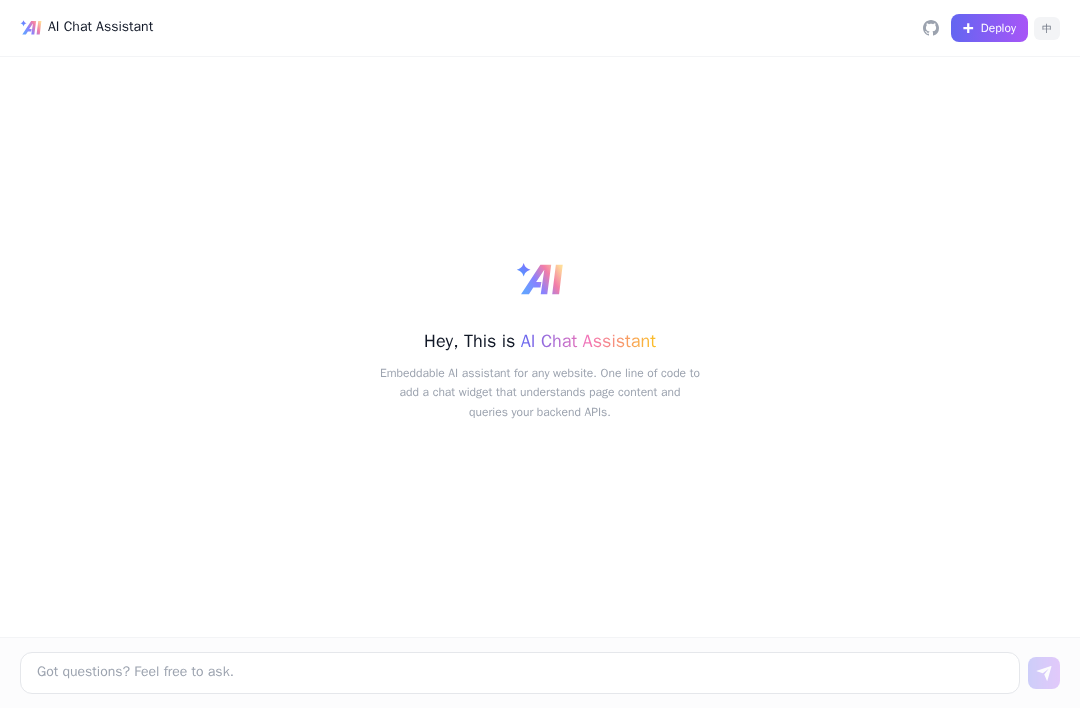
AI Chat Assistant
Embeddable AI assistant for any website. One line of code to add a chat widget that understands page content and queries your backend APIs via function calling.
Framework: DeepAgents · Category: Chat · Language: TypeScript
Overview
Two layers of context awareness:
| Layer | Capability | Setup Cost |
|---|---|---|
| A. Page Context | AI automatically understands the current page content | Zero config (embed.js extracts it) |
| B. Business API | AI queries your backend in real time via function calling | Provide an api-schema.json |
Embed on Your Website
<script src="https://your-ai-chat-assistant.edgeone.app/embed.js" async></script>
A floating chat bubble appears in the bottom-right corner. Clicking it opens an iframe pointing to /widget on the same origin — the AI automatically reads the current page content. No backend changes needed.
Customization
<script
  src="https://your-ai-chat-assistant.edgeone.app/embed.js"
  data-color="#10b981"
  data-position="bottom-left"
  async>
</script>
| Attribute | Default | Description |
|---|---|---|
data-color | #6366f1 | Accent color (bubble, buttons, avatar) |
data-position | bottom-right | bottom-right or bottom-left |
Configuration
Edit ai-chat-assistant.config.json in the project root:
{
  "name": "AI Chat Assistant",
  "welcome": "Hi! How can I help you?",
  "systemPrompt": "You are a helpful assistant.",
  "suggestedQuestions": ["What is this page about?"]
}
Environment Variables
| Variable | Required | Description |
|---|---|---|
AI_GATEWAY_MODEL | No | Model ID. Defaults to @makers/deepseek-v3 |
DATA_API_BASE_URL | No | Your backend API base URL |
DATA_API_KEY | No | Auth token for your backend API |
AI_GATEWAY_API_KEYandAI_GATEWAY_BASE_URLare automatically injected when deploying via one-click deploy.
Business API Integration
Place an api-schema.json in the project root to let AI query your backend:
{
  "tools": [
    {
      "name": "search_posts",
      "description": "Search blog posts by keyword",
      "endpoint": "GET /api/posts",
      "parameters": {
        "q": { "type": "string", "description": "Search keyword" }
      }
    }
  ]
}
Set DATA_API_BASE_URL to your backend address.
Local Development
Prerequisites:
- Node.js 18+
- EdgeOne CLI (
npm i -g edgeone) - An
AI_GATEWAY_API_KEY— get one from Makers Console → Models → API Key
npm install
cp .env.example .env
# Edit .env and fill in AI_GATEWAY_API_KEY and AI_GATEWAY_BASE_URL
edgeone makers dev
Open http://localhost:8088 to view the app.
Built-in models are free within quota, great for testing. For production, bring your own key (BYOK) from any OpenAI-compatible provider.
Resources
License
MIT